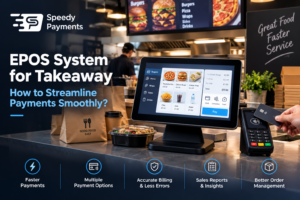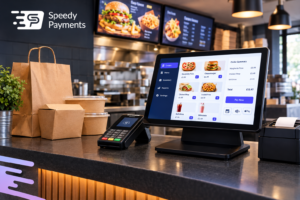

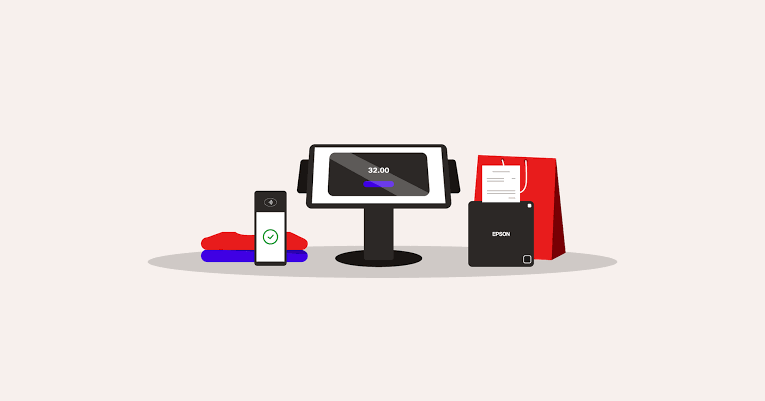
An EPOS system, or Electronic Point of Sale, is a modern digital transaction system for businesses to help in their day-to-day operations in the UK. These systems perform all sales, payment, and stock management processes in real-time without the involvement of a human being. EPOS systems are not like traditional cash registers, as they use hardware and software to help the business administration. Understanding how does EPOS system work will enable customers to learn the full transaction journey of the customer from the check-out to the reporting of sales and inventory.
How Does EPOS System Work to Calculate Billing?
Step 1: Adding the Product Information
Store the product names, prices, discounts, and tax information in the EPOS database. The system shows the product information quickly when the cashier reads the barcode or picks an item from the shelf. Avoiding pricing errors and a hassle-free billing process is a grace that this provides to businesses.
Step 2: Scan the Items at Check-out
At the check-out time, scan all the products with the bar code scanner or pick off the screen. Each item is automatically add on to the bill in the EPOS system for retail shop. It automatically determines the quantity, total price, taxes, and discounts, allowing staff to complete customer purchases quickly and with fewer billing mistakes.
Step 3: Calculating the Discounts and Taxes
EPOS automatically calculates discounts, promotions as well as tax rates for billing. This eliminates the need for the employees to do manual calculations. The software helps businesses to keep their financial records precise and up to date. This will guarantee that customers receive the correct charges and support tax rules without overwhelming confusion or delays.
Step 4: Final Bill Is Generated
Once you input all the products, the system prepares the final bill in seconds. You will see the information on items, prices, taxes, discounts, and the total on the receipt. Customers can easily see what they get from the internet stores, and businesses track every transaction in the totality of a digital record for future reference and reporting.
Step 5: Processing of Payment and Saving Them
After the customer pays, it comes into the EPOS system for restaurant. It counts the payment method, how much the customer has paid, and what goods/services he/she has purchased are recorded. Hence, this information is securely stored in its database. Above all, this allows companies to monitor sales results, manage the day-to-day cash flow, create financial reports, and reduce manual bookkeeping errors.
Steps on How Does EPOS System Work for Payment Processing
Step 1: Customer Selects Payment Method
After the billing, the customer selects the payment option, e.g., cash, debit or credit card, mobile wallet or online payment. The EPOS system allows for various payment methods, ensuring customers have the flexibility and convenience needed while enabling businesses to offer quicker and more professional check-out experiences.
Step 2: Enter the Payment Information
The cashier will enter the amount, or the customer taps, inserts, or swipes their card on the payment terminal. The EPOS system in the UK safely receives the payment information and prepares the payment for authorization. This is a simple process that will take seconds and help with check-out delays.
Step 3: Transaction Is Verified Securely
The EPOS system communicates payment data to the bank/payment provider for validation. The bank verifies if there are sufficient funds or card information in the customer’s account. Once approved, the system instantaneously validates the transaction, allowing businesses to make payments safely, accurately, and without unnecessary delays.
Step 4: Display of Payment Confirmation
If the payment is successful, the EPOS screen will show a message that it has been successful. Both the customer and cashier can confirm that their transaction was successful. This confirmation helps to eliminate confusion, build trust, and provide clarity that the payment process is accurately for both businesses and customers.
Step 5: Receipt and Records Are Generated
After the confirmation of payment, EPOS till systems for retail shop generates a receipt which the customer receives. Meanwhile, it records the transaction data on the business database. Hence, this helps the companies in monitoring sales, monitoring payment background, overseeing accounting records, and better financial organizing and reporting.
Guide on How Does EPOS System Work for Inventory Control
Step 1: Recording the Product Stocks
Every product in stock is given complete information in the EPOS system for restaurant UK. It not only contains the quantity, product code, supplier information, but also pricing details. Businesses will enter the data in system in advance of sales.
Step 2: Inventory Updates After Every Sale
It also automatically decreases the stock level on the product in the inventory database when the item gets stock out. Hence, this means businesses will receive real-time updates on their stocks without the need to manually count them. The staff can instantly view the availability of goods, which can stop the retailers from selling out or overselling their products.
Step 3: Low Stock Alerts Are Sent
The EPOS system in the UK is able to alert in case of a stock shortage. Managers are alerted when products are going to be sold out of stock. This ensures product availability, enhances customer satisfaction, and prevents losses from late product ordering.
Step 4: Creating the Inventory Reports
The EPOS system creates inventory reports that display best sellers, slow sellers, and whether they are in stock or not. Hence, these reports are also beneficial for business owners in making informed purchases and managing their stock.
Step 5: Stock Audits Become Easier
The EPOS system maintains digital inventory, which simplifies and accelerates stock audits. Companies can check how the stock is performing against what is recorded in the system and alert them to missing or damaged products. This helps to enhance inventory accuracy and helps companies have better control over their products and operations.
Transform Your Business with Smart Transactions from Speedy Payments
Looking for a faster, more reliable way to manage transactions and business operations? Speedy Payments provides advanced EPOS solutions designed to simplify payments, improve customer experience, and streamline your daily operations. From secure card processing and real-time reporting to inventory management and cloud-based access, our systems help businesses operate more efficiently and grow with confidence.